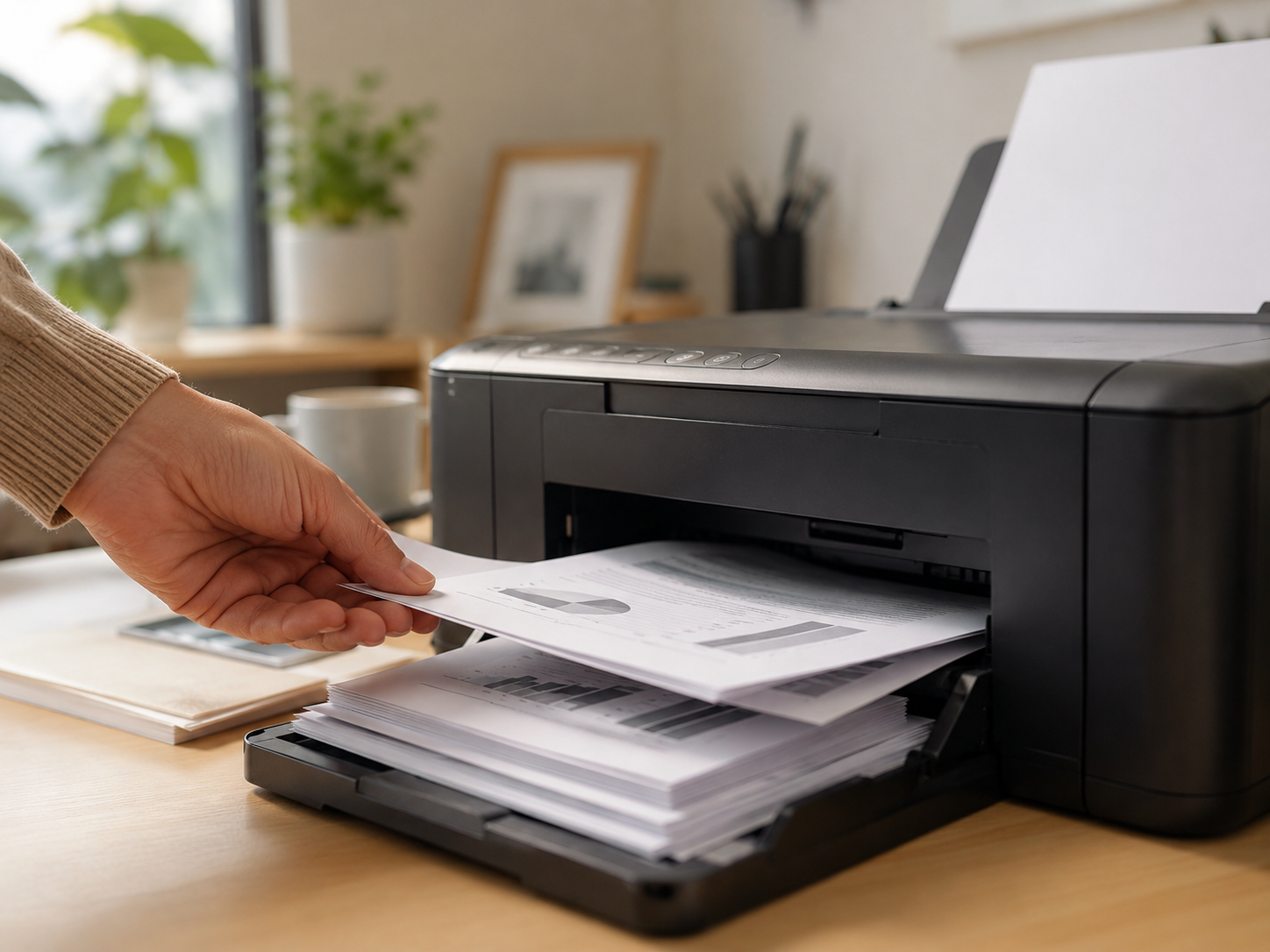
This article is written to help readers compare printer choices with practical context. It looks at model families, expected workloads, everyday use cases, and the checks that matter before choosing a refurbished printer.
Part 01
DeskJet models are the basic all-in-one lane
The refurbished HP DeskJet 2827e, DeskJet 2855e, and DeskJet 4255e are the entry-level all-in-one choices in this catalog. They are priced for light use and everyday documents rather than busy office output.
- DeskJet 2827e and 2855e fit users who need occasional print, scan, and copy tasks at the lowest catalog prices.
- DeskJet 4255e is the stronger DeskJet pick when the buyer wants a little more document-handling convenience.
- All three are better for home, student, and family use than for shared office counters.
- Buy these for low monthly volume, not for speed or heavy paper handling.
Part 02
Envy models suit homes that print more than forms
The refurbished HP Envy 6155e, 6555e, 7255e, 7955e, and 7958e remain home inkjet machines, but they sit above the DeskJet group. They are good when the printer handles mixed household documents, school work, scans, and occasional color pages.
- Envy 6155e and 6555e are sensible choices when the buyer wants a home all-in-one without jumping into a business OfficeJet.
- Envy 7255e, 7955e, and 7958e make more sense when the home workload is a little broader and the budget allows it.
- The Envy group is still a 1,000-page monthly duty-cycle class in the catalog, so it should not be treated like an office workhorse.
- If daily admin volume is expected, move from Envy to OfficeJet or LaserJet instead.
Part 03
OfficeJet models are the inkjet office workgroup lane
The refurbished HP OfficeJet 8015e, 8125e, 8135e, 8139e, 9110, 9125e, 9135e, and 9730e are the right section of the catalog when the buyer wants inkjet all-in-one capability with stronger office specs.
- OfficeJet 8015e through 9135e provide 20 ppm black output and a 20,000-page monthly duty-cycle class in the catalog.
- OfficeJet 9730e steps up to 22 ppm black output and a 30,000-page monthly duty-cycle class.
- This group is better for invoices, forms, shared home offices, and small business paperwork than DeskJet or Envy.
- Choose OfficeJet when scanning, copying, wireless use, and office document handling matter more than the lowest purchase price.
Part 04
LaserJet multifunction models are for text-heavy offices
When the buyer wants scan-copy-print capability but expects mostly text output, the refurbished HP LaserJet multifunction models may be a better long-term fit than inkjet all-in-ones.
- LaserJet 3101fdw, 3301fdw, and 3301sdw are suitable for teams that want fast mono laser output in a manageable office size.
- LaserJet 4101fdw, 4301fdw, and M430f fit heavier shared-office needs with higher output classes.
- LaserJet M480f is the color laser multifunction option in the current catalog.
- The main decision is document mix: choose inkjet for flexible color home/office use, and LaserJet when office text volume dominates.
Final Takeaway
The best printer choice is the one that matches the actual workload, available space, required functions, and expected print pattern. Treat the model name as the starting point, then use practical checks to confirm whether it fits the way the printer will be used.